
Come here.
Touch the network.
CLI commands make more sense when you can trace the cable, see the interface light and explain why the packet stopped. This is the physical Cisco lab at Attila Technologies.
Book Free Lab Demo ↗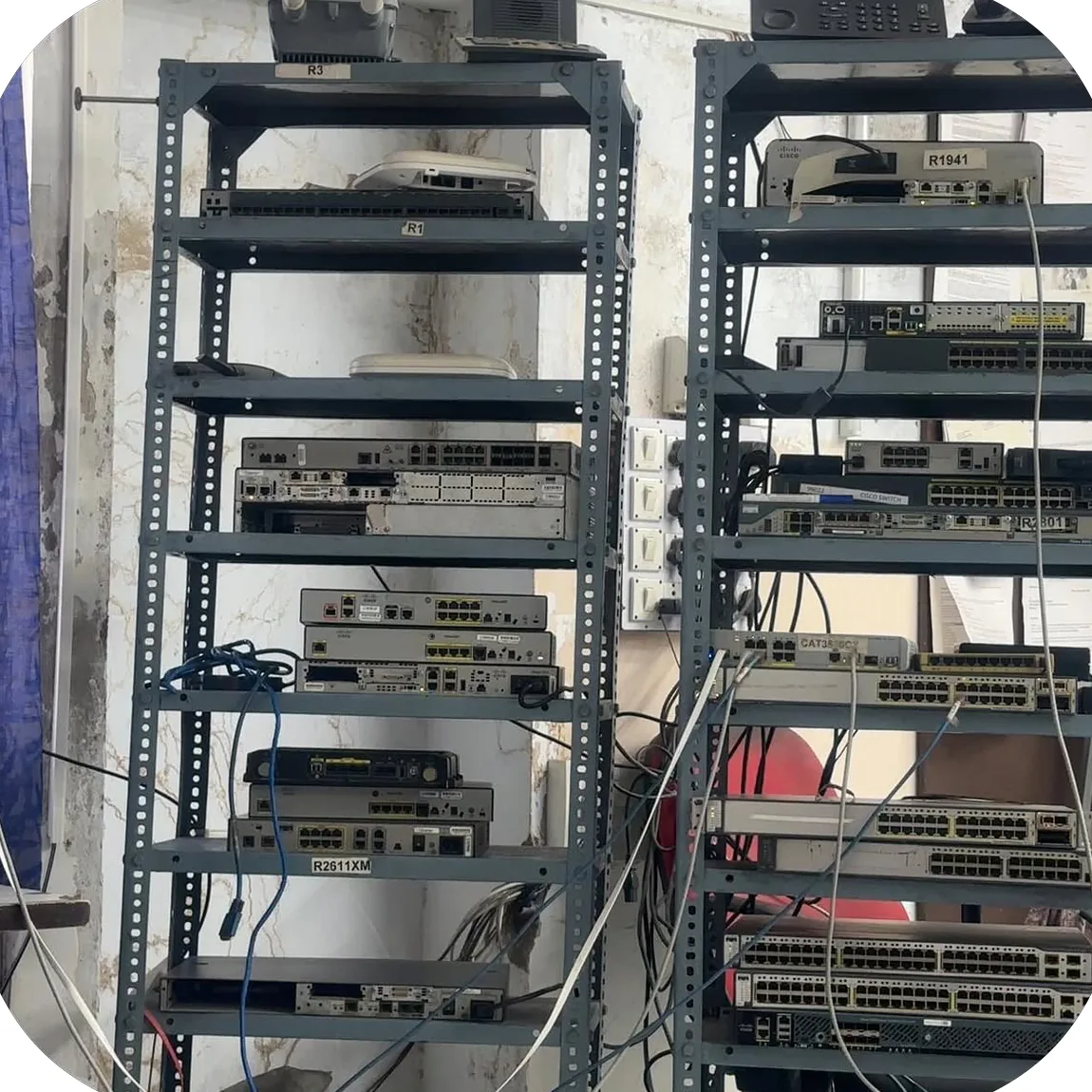
Draw it. Configure it. Break it. Explain it.
What physical practice adds
Follow a console connection. Check a cable and link light. Interpret an interface state. Save a configuration, restart a device and see whether your changes survived. These are concrete habits an engineer needs alongside protocol knowledge.
Where simulation helps
Packet Tracer is useful for repeatable exercises and exploring topologies outside the lab. Physical practice adds console access, cabling, boot behaviour and faults in the hardware path. Both tools have a role in learning.
A link fails. What happens next?
This simplified routed topology illustrates convergence, not a live Cisco device. Two paths connect the routers. Try dropping the primary link.
Primary path is active. A lower routing cost makes it the preferred route.
Read the evidence before changing the configuration.
Start with interface status, neighbour state and the routing table. Verify the symptom on both ends. A missing route and a disconnected cable need different fixes.
show ip interface brief
show interfaces
show ip ospf neighbor
show ip route
Explore a single-area OSPF lab · Configure a VLAN · CCNA training details
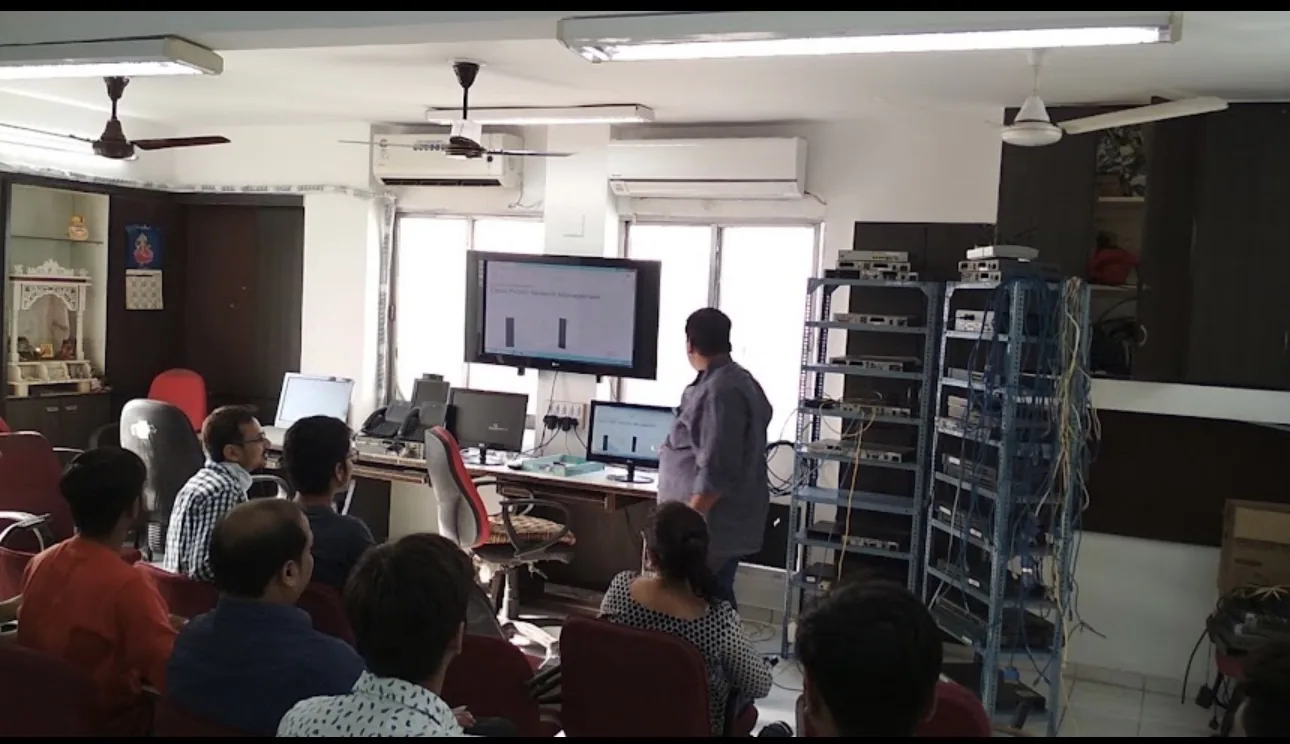
See the setup before you enrol.
Visit H/7 Vardan Complex, Navrangpura, Ahmedabad 380009. A free demo is a chance to inspect the lab, meet the instructor and discuss the right course for your starting point.
Book Free Lab Demo ↗